Building a RAG Chatbot for My Blog with n8n, Qdrant Cloud, and Claude
I have 212 blog posts. They cover everything from Kubernetes deployments to prompt engineering patterns, from zero-trust security to the textile metaphors I use for infrastructure design. There’s a lot of accumulated knowledge in there, and even I can’t always remember which post covered which topic.
So I built an AI assistant that can search all of it, retrieve the relevant context, and answer questions about my blog using RAG — Retrieval-Augmented Generation. And I built the entire thing using my existing fabric stack: n8n for orchestration, Qdrant Cloud for vector search, Voyage AI for embeddings, and Anthropic’s Claude for the conversational layer.
This is the story of that build — including the parts where things broke, APIs returned cryptic errors, and rate limits forced me to rethink my entire approach.
The Architecture
The system has two workflows:
Indexing Pipeline — Takes all 212 blog posts, parses their frontmatter metadata (title, category, tags, date), chunks the enriched content into ~1,500 character segments with 300-character overlap, generates vector embeddings via Voyage AI’s voyage-3 model, and stores everything in a Qdrant Cloud collection.
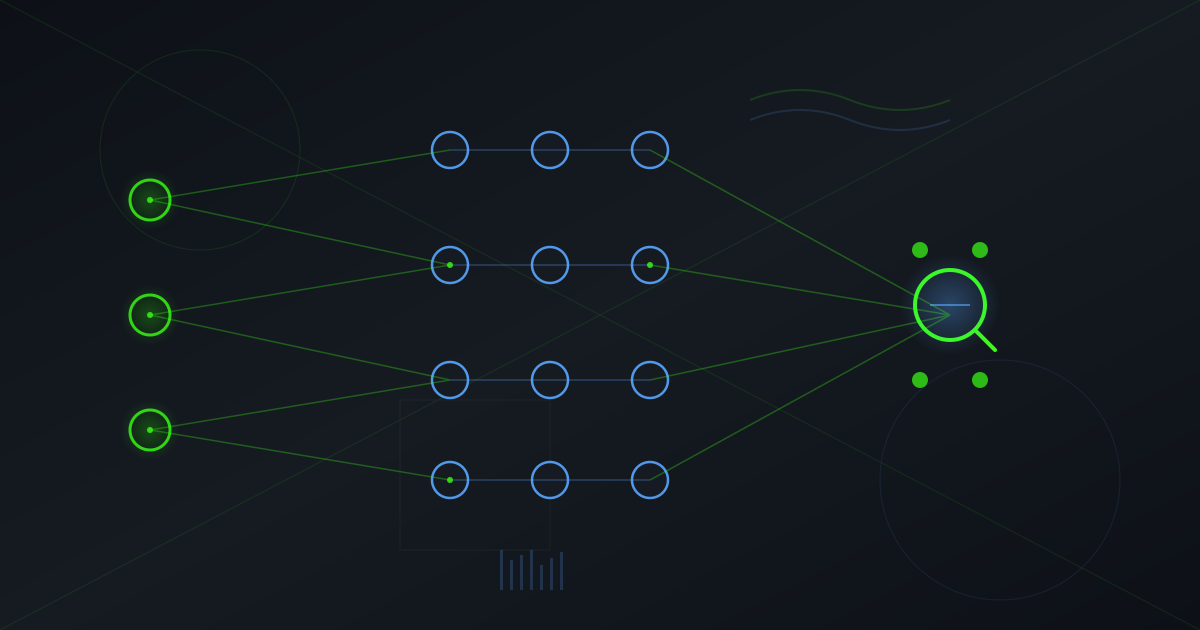
Chat Interface — An n8n Chat Trigger that feeds into an AI Agent node backed by Claude Sonnet. The agent has access to a vector search tool that queries the Qdrant collection using the same Voyage AI embeddings, retrieves the top 8 most relevant chunks, and uses them to answer questions with source attribution.
Simple on paper. Messy in practice.
The Stack
Here’s what’s actually running:
- n8n (v2.6.3, self-hosted via Docker) — Workflow orchestration with AI/LangChain nodes
- Qdrant Cloud — Managed vector database, 1024-dimension Cosine similarity
- Voyage AI (
voyage-3) — Text embeddings via OpenAI-compatible API - Anthropic Claude (Sonnet 4.5) — The chat LLM powering the assistant
- Docker Compose — The entire n8n stack (n8n, PostgreSQL, local Qdrant, Redis) runs as a compose project I call
n8n-fabric
I already had most of this running as part of my broader infrastructure fabric. The blog posts live in an Astro-based site at /Projects/blog/src/content/posts/. The n8n container gets access to them via a read-only Docker volume mount.
What Actually Happened
Round 1: The Credential Dance
The first challenge was credentials. Qdrant Cloud has two types of API keys — management keys (UUID|token format, gRPC-based) for cluster operations, and database API keys (JWT format, REST-based) for data operations. I spent way too long trying to authenticate with the wrong key type against the wrong endpoint.
n8n’s credential system adds another layer. Creating credentials via the public API requires knowing the exact schema for each credential type, including conditional fields. The OpenAI credential type, for instance, has a header boolean that triggers required headerName and headerValue fields. Miss that and you get a cryptic 400 error.
Round 2: The Sandbox Wall
n8n sandboxes JavaScript in its Code nodes for security. My first indexing workflow used require('fs') to read blog files directly — which immediately failed with Module 'fs' is disallowed.
The fix: add NODE_FUNCTION_ALLOW_BUILTIN=fs,path to the n8n container’s environment. One line in docker-compose.yml, one container restart, problem solved. It’s the kind of thing that takes 30 seconds once you know the answer and an hour when you don’t.
Round 3: The Embedding Shuffle
My original plan was OpenAI’s text-embedding-3-small (1536 dimensions). The API key hit a quota wall immediately — 429, no credits. Plan B: Voyage AI, which Anthropic acquired. Their voyage-3 model produces 1024-dimensional embeddings with strong retrieval quality.
The clever bit: n8n’s OpenAI Embeddings node accepts a custom base URL in its credential configuration. Point it at https://api.voyageai.com/v1 instead of OpenAI’s endpoint, set the model to voyage-3, and the node works perfectly without any code changes. The OpenAI-compatible API standard pays for itself here.
But this meant recreating the Qdrant collection with 1024 dimensions instead of 1536. Drop, recreate, reindex. When you’re iterating on a RAG pipeline, you get very comfortable with destroying and rebuilding your vector store.
Round 4: The Rate Limit Marathon
Voyage AI’s free tier allows 3 requests per minute and 10,000 tokens per minute. With 212 blog posts averaging 12 chunks each, that’s roughly 2,500 embedding requests. At 3 RPM, that’s nearly 14 hours if you do one chunk per request.
The n8n workflow doesn’t have built-in rate limiting, so it blazed through 36 posts before hitting a 429 wall. The solution: a Python script that batches 8 chunks per request (staying under the TPM limit), spaces requests 25 seconds apart, tracks which posts are already indexed, and picks up where it left off with exponential backoff on rate limit errors.
# The core loop — deceptively simple, hard-won
for batch_idx in range(0, len(all_chunks), BATCH_SIZE):
    batch = all_chunks[batch_idx:batch_idx + BATCH_SIZE]
    embeddings = embed([chunk for chunk, _ in batch])
    points = [{"id": uuid4(), "vector": emb,
               "payload": {"content": txt, "metadata": meta}}
              for (txt, meta), emb in zip(batch, embeddings)]
    upsert(points)
    time.sleep(DELAY)
Not glamorous. But it indexes 2,066 chunks across 175 posts without a single failed batch.
The Content Pipeline
Each blog post goes through a transformation pipeline before it becomes searchable:
- Read — Load the markdown file from the mounted volume
- Parse — Extract YAML frontmatter (title, category, tags, date, description)
- Enrich — Prepend metadata to the body text so the embedding captures both the content and its context
- Chunk — Split into 1,500-character segments with 300-character overlap using recursive character splitting
- Embed — Generate 1024-dimensional vectors via Voyage AI
- Store — Upsert to Qdrant Cloud with full metadata payload
The enrichment step matters. Without it, a chunk that says “here’s how to configure the workers” has no context about what workers or which system. By prepending Title: Cortex Workflow Executor Launch\nCategory: AI\nTags: Cortex, Orchestration, the embedding captures semantic context that dramatically improves retrieval relevance.
const enrichedContent = 'Title: ' + title + '\n' +
  'Category: ' + category + '\n' +
  'Date: ' + date + '\n' +
  'Tags: ' + tags.join(', ') + '\n' +
  'Description: ' + description + '\n\n' + body;
The Chat Workflow
The chat side is where n8n’s AI nodes really shine. The entire conversational RAG system is six nodes:
- Chat Trigger — Built-in chat widget with conversation threading
- AI Agent — Orchestrates tool use, manages context, formats responses
- Claude Sonnet 4.5 — The language model (temperature 0.3 for factual accuracy)
- Conversation Memory — 20-message buffer window for multi-turn context
- Qdrant Vector Store — Configured as a retrieval tool returning top-8 results
- Voyage AI Embeddings — Same model as indexing for consistent vector space
The agent’s system prompt tells it to always search the blog before answering, cite sources with post titles and URLs, and clearly state when it can’t find relevant information. This keeps the assistant grounded in actual blog content rather than hallucinating plausible-sounding answers.
What I Learned
Rate limits shape architecture more than APIs do. The cleanest workflow design doesn’t matter if your embedding provider throttles you at 3 RPM. Design for the constraint, not the happy path.
The OpenAI-compatible API pattern is powerful. Being able to swap Voyage AI into an OpenAI node with just a URL change is exactly how API standards should work. More providers should do this.
Metadata enrichment is the RAG secret weapon. The difference between “good enough” retrieval and “actually useful” retrieval often comes down to whether your chunks carry enough context to be meaningful in isolation.
n8n’s AI nodes are surprisingly capable. The LangChain integration handles vector store operations, document loading, text splitting, and agent orchestration without writing much code. The chat trigger gives you a ready-made conversational UI.
Vector databases need schema planning upfront. Changing embedding dimensions means destroying and recreating your collection. Plan your embedding model choice before you start indexing.
The Numbers
- 212 blog posts indexed
- ~2,500 vector chunks in Qdrant Cloud
- 1024-dimensional Voyage AI embeddings
- 2 n8n workflows (indexing + chat)
- 6 nodes in the chat workflow
- 3 API providers (Voyage AI, Anthropic, Qdrant Cloud)
- ~108 minutes total indexing time (rate-limited)
What’s Next
This is a foundation. The immediate next steps:
- Webhook trigger for auto-reindexing when new posts are published
- Filtering by metadata — search within a specific category or date range
- Hybrid search — combine vector similarity with keyword matching
- Public-facing chat widget on the blog itself
- Evaluation pipeline — automated retrieval quality testing
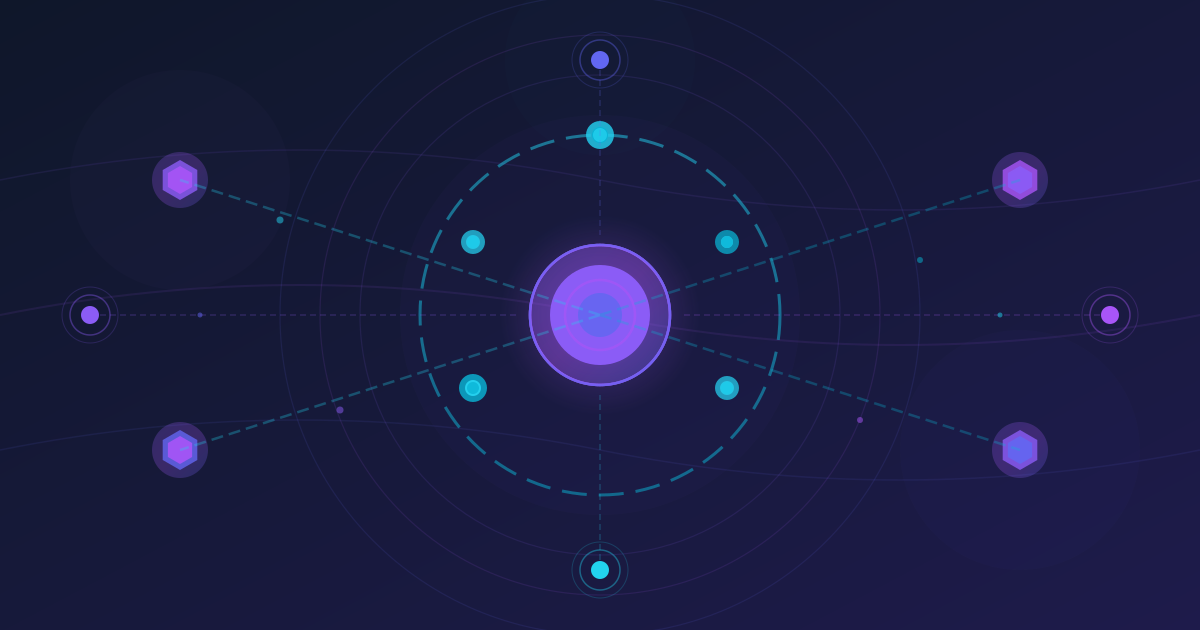
The deeper question is whether this pattern — local workflow orchestration + cloud vector database + AI agent — is the right abstraction for knowledge systems generally. I think it is. The pieces are modular. The costs are transparent. The data stays under your control. And you can swap any component without rewriting the others.
That’s the fabric philosophy in practice: loosely coupled, individually replaceable, collectively strong.