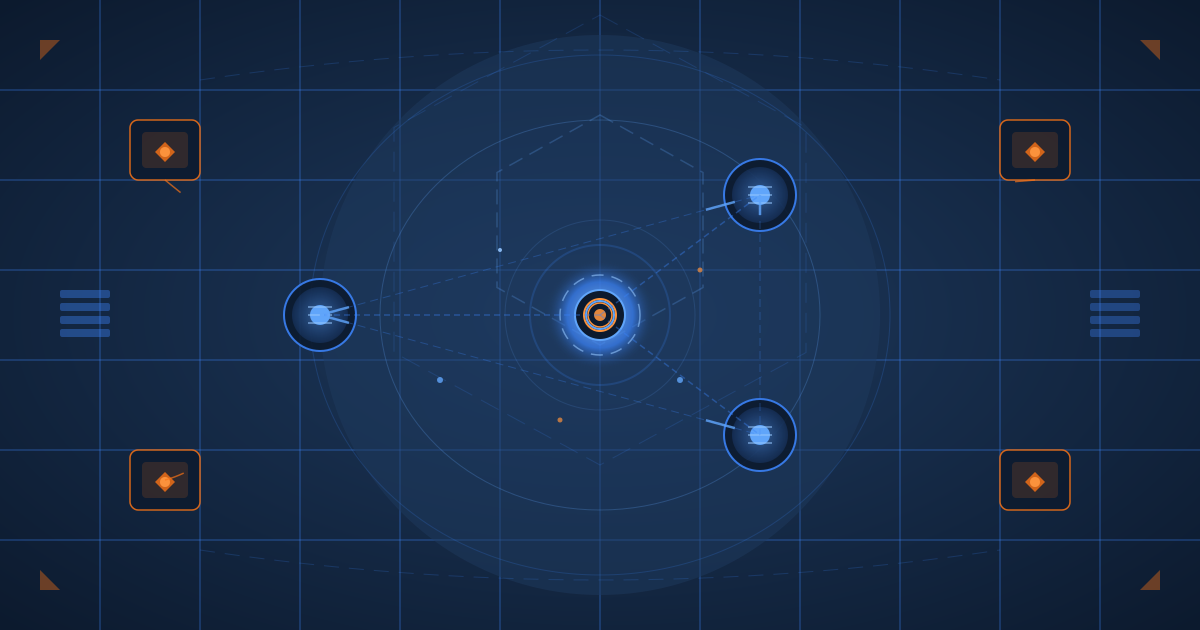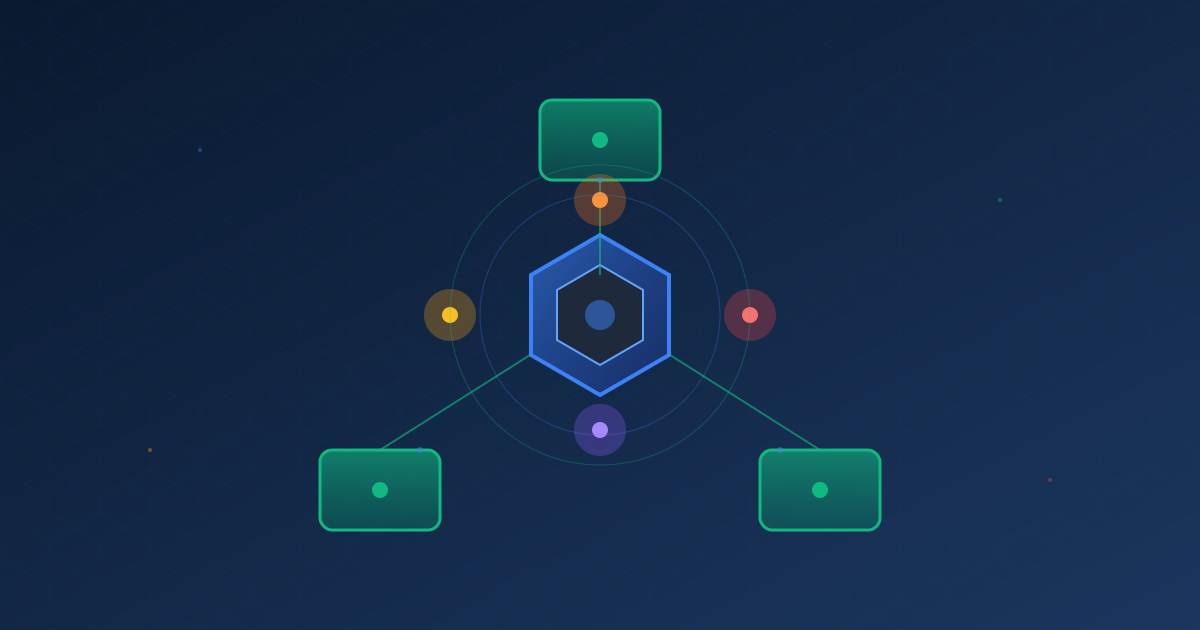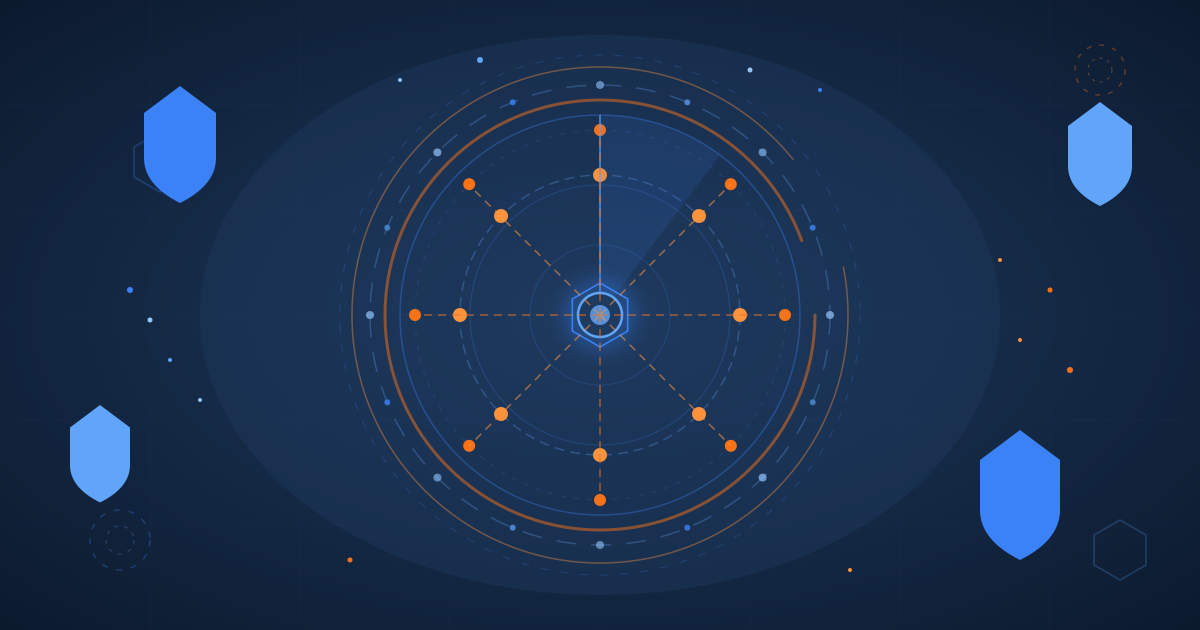
I just automated the process of writing, illustrating, and publishing this very blog post. The pipeline that created what you’re reading right now is a 12-node n8n workflow that takes a topic, searches my existing 217 posts for related content, generates a draft with valid Astro frontmatter, creates an animated SVG hero image, converts it to an OG social sharing image, commits everything to GitHub, and verifies the deployment on Cloudflare Pages. Here’s how I built it.
The Architecture: 12 Nodes, 7 Tools, One Chat Interface
The entire pipeline runs as an n8n agent workflow with a public chat trigger. I paste a topic into the chat, and the agent orchestrates seven specialized tools in sequence:
Topic → search_blog_posts (Qdrant RAG)
      → suggest_schedule (posting cadence analysis)
      → generate_draft (Anthropic API → Haiku)
      → generate_hero (Anthropic API → animated SVG)
      → generate_og (ImageMagick sidecar → 1200x630 JPG)
      → save_to_github (GitHub Contents API)
      → verify_deployment (polls ry-ops.dev)
The agent node uses Claude 3.5 Haiku for orchestration, with a 20-message conversation memory so I can iterate on drafts. Each tool is a toolCode node that runs JavaScript in n8n’s sandboxed environment.
Component 1: Research and Write
The first challenge was making the pipeline aware of what I’ve already written. I had a RAG chatbot from an earlier project that indexed all 217 posts into Qdrant Cloud using Voyage AI embeddings. I reused the same vector store as a tool the agent can call before writing.
When I paste a topic, the agent searches for related posts and reports overlaps before generating anything. The generate_draft tool then calls the Anthropic API directly (separate from the agent’s own reasoning) with a system prompt that enforces my blog’s Zod frontmatter schema: exact category enums, 150-160 character descriptions, proper hero image paths, and my writing voice.
One lesson learned: n8n’s Code Tool sandbox provides query as a global variable for tool input, not $input.first().json.query. And fetch() isn’t available; you need helpers.httpRequest() with axios-style options. Small things that cost hours to figure out.
Component 2: Animated SVG Hero Images
Every post on this blog has a unique animated SVG hero image. I have a 462-line specification that defines color palettes per category, animation types, visual element libraries, and anti-patterns. The generate_hero tool reads the draft’s category, maps it to the correct palette, and calls the Anthropic API with the full SVG spec baked into the system prompt.
The generated SVG gets committed directly to GitHub via the Contents API. No local file system needed. The frontmatter already points to the correct path because generate_draft pre-computes the slug and hero path.
Component 3: OG Social Images via ImageMagick Sidecar
This is where it got interesting. The blog needs 1200x630 JPG versions of the hero SVGs for Open Graph social sharing. The n8n container is a Docker Hardened Alpine image with no package manager and no image processing libraries.
My solution: an ImageMagick sidecar container. It’s a lightweight Alpine container with ImageMagick, librsvg (critical for SVG rendering), and a 60-line Node.js HTTP server. One endpoint: POST /convert accepts SVG content and returns base64-encoded JPG.
// The sidecar's entire API
POST /convert { svg, width, height, quality, format }
  → { success, base64, sizeKB }
The n8n tool downloads the SVG from GitHub (just committed by generate_hero), posts it to http://imagemagick:3100/convert, and commits the resulting JPG back to GitHub. Docker networking handles service discovery. Total added infrastructure: one 135 MB container.
Component 4: Schedule Intelligence
The suggest_schedule tool reads all 217 post files from a read-only volume mount and parses dates from the frontmatter. It calculates posting cadence, identifies the most active days (Monday and Sunday account for 47% of my posts), preferred times (10:00-14:00 UTC), and gap patterns.
The analysis revealed I publish in bursts: 73% of posts land on the same day as the previous one, with 3-7 day quiet periods between sessions. The tool factors this in when suggesting the next publish date.
Component 5: Deployment Verification
After save_to_github commits the markdown, Cloudflare Pages auto-deploys. But how do you know it worked? The verify_deployment tool polls https://ry-ops.dev/posts/{slug}/ up to 5 times at 30-second intervals. It also checks overall site health. If the post returns 200, it confirms the deployment. If not, it reports the status code and suggests debugging steps.
The Meta Moment
This post was generated by the pipeline it describes. I typed a topic into the n8n chat, the agent searched my blog, generated a draft, created an animated SVG in my blog’s Engineering color palette, converted it to a JPG for social sharing, committed all three files to GitHub, and verified the deployment. The entire process, from topic to live post, took under three minutes.
The pipeline isn’t perfect. Haiku occasionally misinterprets topics, the SVG generation is hit-or-miss on complexity, and the deployment verification can time out if Cloudflare is slow. But it’s a foundation. Each component is a single Code Tool node, making it straightforward to improve one piece without touching the rest.
What’s Next
The content pipeline handles the mechanical parts of publishing. Future iterations might include automatic Qdrant re-indexing when new posts are published, better SVG quality through multi-shot generation with visual feedback, and integration with social media APIs for cross-posting. For now, I’m enjoying the irony of using an automated pipeline to write about building an automated pipeline.