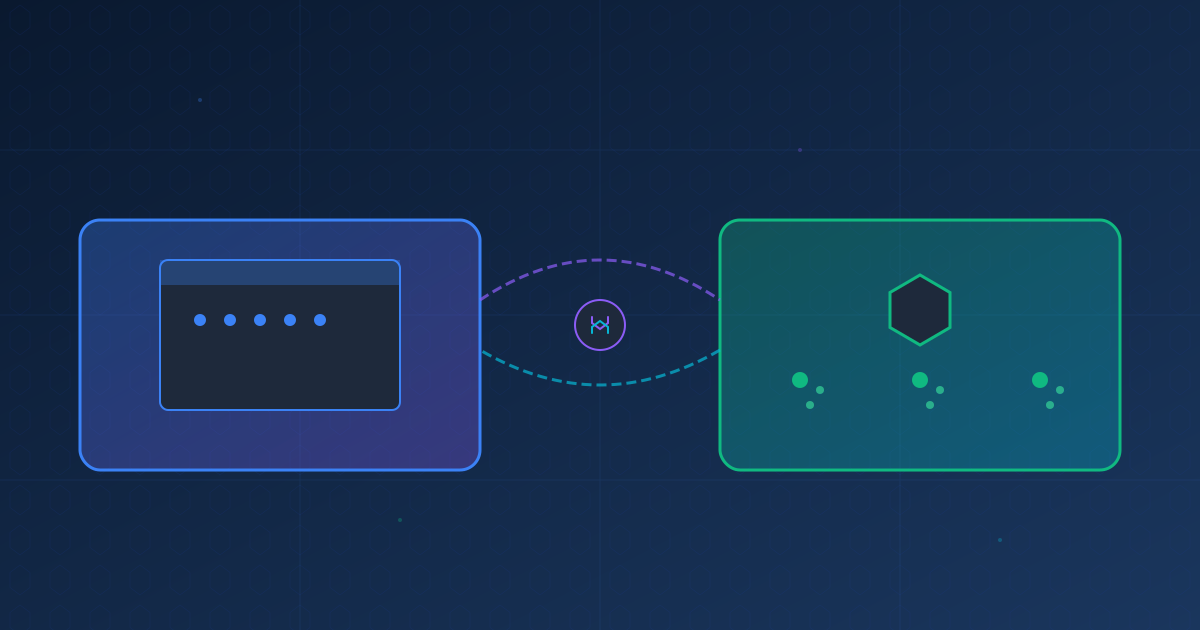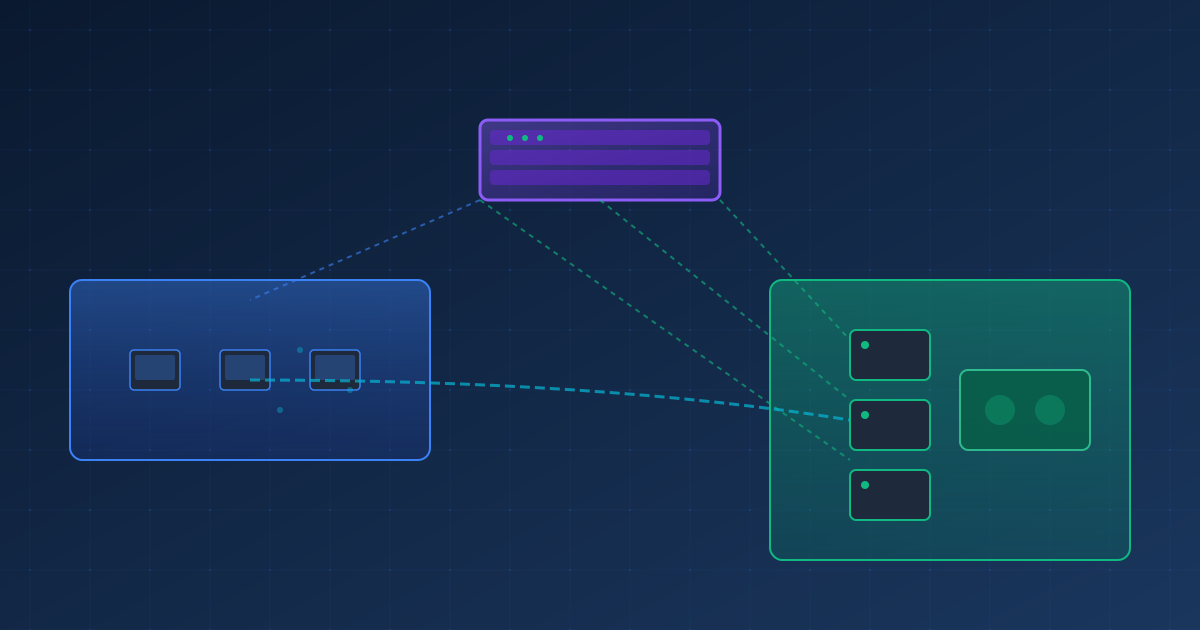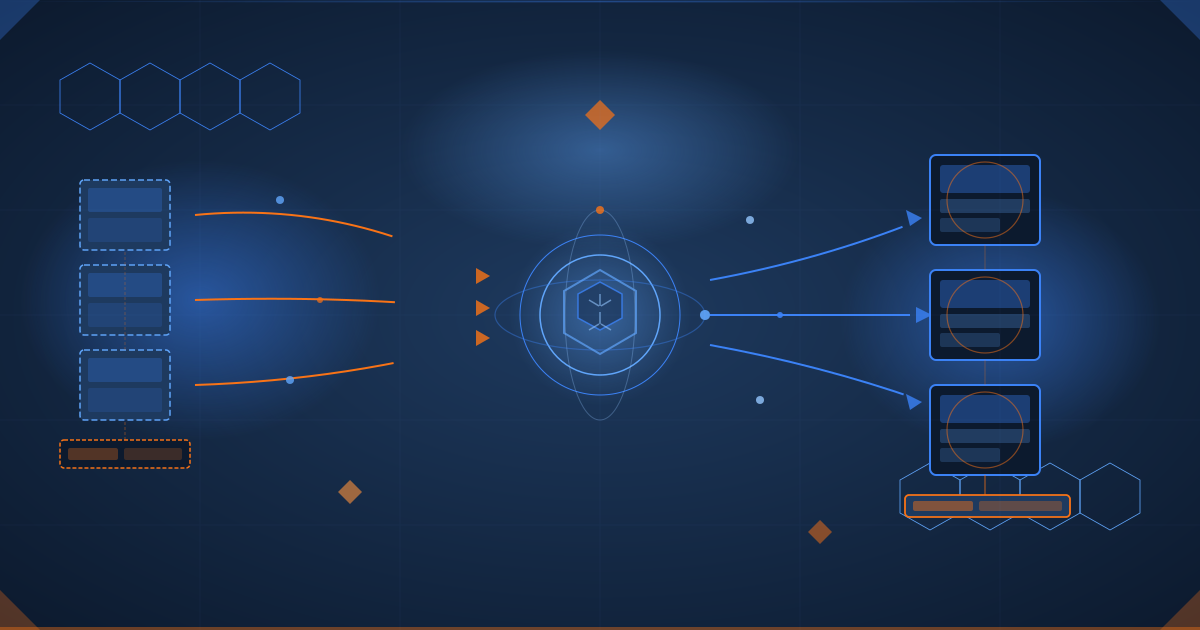
From LXC to VMs: The k3s Migration Story
TL;DR
We migrated our k3s Kubernetes cluster from LXC containers to full VMs on Proxmox. The result: better isolation, full kernel access, and a cleaner foundation for future growth. Using Cortex autonomous agents, the entire migration - from VM provisioning to k3s bootstrap - was completed in parallel.
The Starting Point
Our k3s cluster was running on LXC containers on Proxmox (pve01):
OLD ARCHITECTURE (LXC)

   pve01 (10.88.140.164)
   vmbr1 (VLAN 145)

   LXC 300         LXC 301         LXC 302
   k3s-master      k3s-worker-1    k3s-worker-2
   .145.170        .145.171        .145.172
   Shared Kernel   Shared Kernel   Shared Kernel

Components Running:
- Flux CD (GitOps)
- kube-prometheus-stack (Grafana, Prometheus, Alertmanager)
- Traefik Ingress
- MetalLB (IP pool: 10.88.145.200-210)
- Longhorn (distributed storage)
- NFS provisioner
LXC Limitations
While LXC containers are lightweight and fast, they have some drawbacks for Kubernetes:
| Limitation | Impact |
|---|---|
| Shared kernel | Can’t use kernel modules or custom sysctls |
| Security boundaries | Containers share the host kernel namespace |
| Storage drivers | Some CSI drivers require kernel access |
| Nested containers | Complex configuration for container workloads |
The New Architecture
NEW ARCHITECTURE (VMs)

   pve01 (10.88.140.164)
   vmbr1 (VLAN 145)

   VM 310          VM 311          VM 312
   k3s-master-vm   k3s-worker-1    k3s-worker-2
   .145.180        .145.181        .145.182
   4 vCPU          4 vCPU          4 vCPU
   16GB RAM        16GB RAM        16GB RAM
   50GB disk       50GB disk       50GB disk
   Own Kernel      Own Kernel      Own Kernel
   (6.1.0-41)      (6.1.0-41)      (6.1.0-41)

k3s Version: v1.33.6+k3s1
OS: Debian 12 (cloud image)
Before vs After
| Aspect | LXC (Before) | VM (After) |
|---|---|---|
| Isolation | Shared kernel | Full isolation |
| Resources | 4 vCPU, 8GB RAM | 4 vCPU, 16GB RAM |
| Disk | Shared storage | 50GB dedicated |
| Kernel | Host 6.8.12 | Own 6.1.0-41 |
| Boot time | ~5s | ~30s |
| Flexibility | Limited | Full |
| IPs | .170-.172 | .180-.182 |
The Migration Process
Step 1: Create VMs with Cloud-Init
We used Debian 12 cloud images with cloud-init for automated provisioning:
# Download Debian 12 cloud image
wget https://cloud.debian.org/images/cloud/bookworm/latest/debian-12-generic-amd64.qcow2

# Create VM template
qm create 9000 --memory 16384 --cores 4 --name debian-cloud-template \
  --net0 virtio,bridge=vmbr1
qm importdisk 9000 debian-12-generic-amd64.qcow2 local-lvm
qm set 9000 --scsihw virtio-scsi-pci --scsi0 local-lvm:vm-9000-disk-0
qm set 9000 --ide2 local-lvm:cloudinit
qm set 9000 --boot c --bootdisk scsi0
qm template 9000

# Clone for each node
for i in 310 311 312; do
  qm clone 9000 $i --name k3s-node-$i --full
  qm set $i --ipconfig0 ip=10.88.145.$((i-130))/24,gw=10.88.145.1
  qm resize $i scsi0 50G
  qm start $i
done
Step 2: Bootstrap k3s
Master node (10.88.145.180):
curl -sfL https://get.k3s.io | sh -s - server \
  --node-ip 10.88.145.180 \
  --tls-san 10.88.145.180 \
  --write-kubeconfig-mode 644 \
  --disable traefik \
  --disable servicelb
Worker nodes:
curl -sfL https://get.k3s.io | \
  K3S_URL=https://10.88.145.180:6443 \
  K3S_TOKEN="<token>" \
  sh -s - agent --node-ip 10.88.145.181
Step 3: Verify Cluster
$ kubectl get nodes
NAME              STATUS   ROLES                  AGE   VERSION
k3s-master-vm     Ready    control-plane,master   10m   v1.33.6+k3s1
k3s-worker-1-vm   Ready    <none>                 8m    v1.33.6+k3s1
k3s-worker-2-vm   Ready    <none>                 8m    v1.33.6+k3s1
Challenges We Overcame
1. VLAN Tagging Confusion
Problem: VMs created with tag=145 in network config weren’t responding to ping.
Root cause: vmbr1 on Proxmox is already the VLAN 145 network. Setting tag=145 on VMs was double-tagging traffic.
Fix:
# Wrong (double-tagging)
qm set 310 --net0 virtio,bridge=vmbr1,tag=145

# Right (vmbr1 is already VLAN 145)
qm set 310 --net0 virtio,bridge=vmbr1
2. DNS Resolution Failure
Problem: VMs couldn’t resolve external hostnames:
Temporary failure resolving 'deb.debian.org'Root cause: Cloud-init configured DNS to OPNsense (10.88.140.1) on VLAN 140, but VMs on VLAN 145 couldn’t route to it.
Fix:
# Configure systemd-resolved with external DNS
cat > /etc/systemd/resolved.conf.d/dns.conf << EOF
[Resolve]
DNS=8.8.8.8 8.8.4.4
FallbackDNS=1.1.1.1
EOF
systemctl restart systemd-resolved
3. Cloud-Init User Confusion
Problem: SSH as debian user failed with “permission denied.”
Root cause: Cloud-init was configured with ciuser: root, not debian.
Fix: SSH as root:
ssh root@10.88.145.180 # Not ssh debian@...Using Cortex for the Migration
The migration was orchestrated using Cortex autonomous agents:
What Cortex handled:
- VM creation on Proxmox (parallel)
- Network troubleshooting and fixes
- k3s installation and configuration
- Workload migration planning
- Documentation generation
Results
New Cluster Status
NAME              STATUS   ROLES                  VERSION
k3s-master-vm     Ready    control-plane,master   v1.33.6+k3s1
k3s-worker-1-vm   Ready    <none>                 v1.33.6+k3s1
k3s-worker-2-vm   Ready    <none>                 v1.33.6+k3s1
Benefits Achieved
| Benefit | Description |
|---|---|
| Full isolation | Each node has its own kernel |
| More resources | Doubled RAM to 16GB per node |
| Better storage | 50GB dedicated disk per node |
| Clean slate | Fresh install, no legacy configs |
| Future-proof | Ready for CSI drivers, kernel modules |
Lessons Learned
1. Network Architecture Matters
Understanding your VLAN setup before VM creation saves hours of debugging.
2. Cloud-Init is Powerful but Opaque
When things go wrong, check /var/log/cloud-init.log and /var/log/cloud-init-output.log.
3. DNS is Always the Problem
If network requests fail, check DNS first. Always.
4. Autonomous Agents Scale Well
Using Cortex to parallelize the migration cut our time significantly.
The Numbers
| Metric | Value |
|---|---|
| VMs created | 3 |
| Total RAM | 48GB |
| Total storage | 150GB |
| k3s version | v1.33.6+k3s1 |
| Migration time | ~30 minutes |
| Issues fixed | 3 |
| Autonomous agents used | 4 |
“The best infrastructure is the one you can rebuild in minutes.”
— Cortex Development Team, December 2025